
Book your EAP appointment in TELUS Health One
Online scheduling is available in TELUS Health One, making it easier to book and manage your appointments.
The easiest way to book and manage your appointment
With TELUS Health One, you can:
- See real-time appointment availability
- Book anytime, anywhere
- Change or manage appointments in real-time
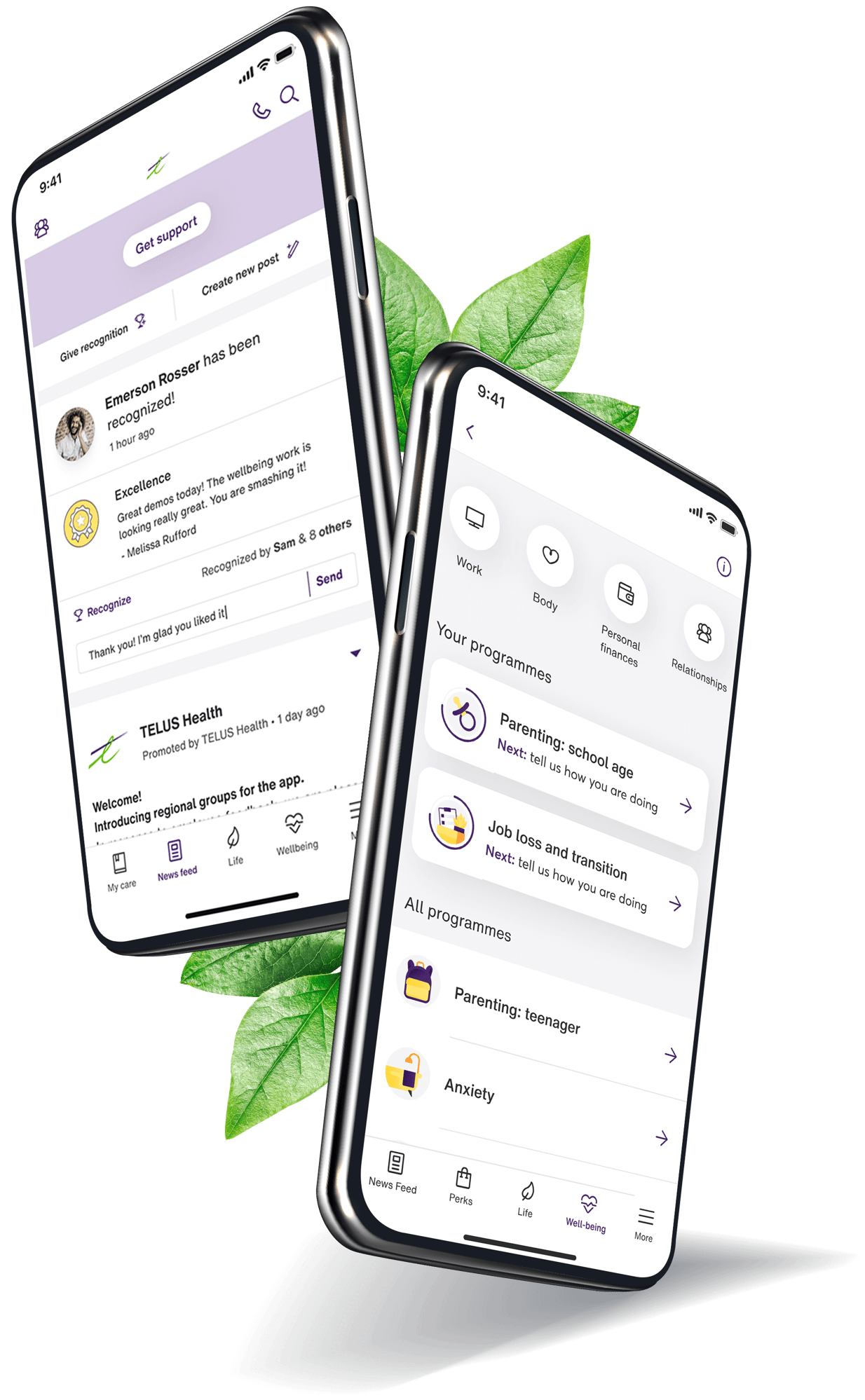
Download TELUS Health One from the Apple App Store or Google Play Store, or open it in your browser.
Sign in using your existing access details, then select Connect with us to get started.
Need help accessing TELUS Health One? Contact your HR team or your organisation's EAP support for assistance.
How to get started
Option 1 — Book using online scheduling in TELUS Health One
The online scheduling feature in TELUS Health One allows you to see real-time availability and book at a time that suits you. Open TELUS Health One and select Connect with us.
Option 2 — Book using Live Chat in TELUS Health One
Open TELUS Health One and select Connect with us to start a Live Chat. Our team can help you arrange an appointment, 24/7.
If you are deaf or hard of hearing, please select Live Chat and our team will arrange an interpreter for your appointment on your behalf.